
How to upgrade to Pro
Start a Pro subscription from the dashboard.
Open in Livefolio- 1
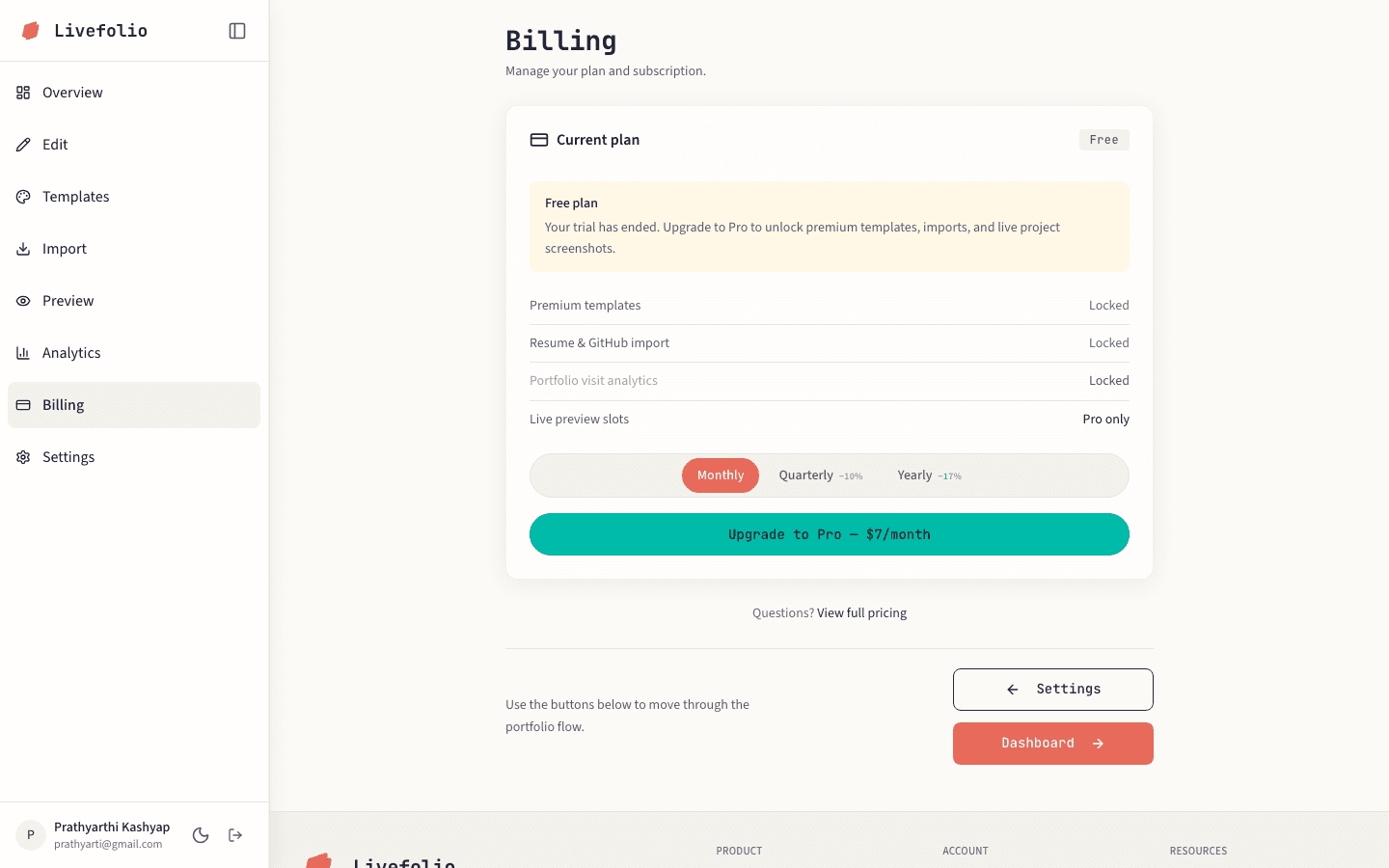
Open Billing
Click Billing in the sidebar.
- 2
Choose a billing interval
Pick Monthly, Quarterly or Yearly.
- 3
Check out
Click the upgrade button and complete payment in the Razorpay checkout.
- 4
Wait for confirmation
You may briefly see Payment is being processed. Once confirmed, your plan shows as Pro.