
How to ask for a reference
Send a reference request to a manager, peer or collaborator.
Open in Livefolio- 1
Open References
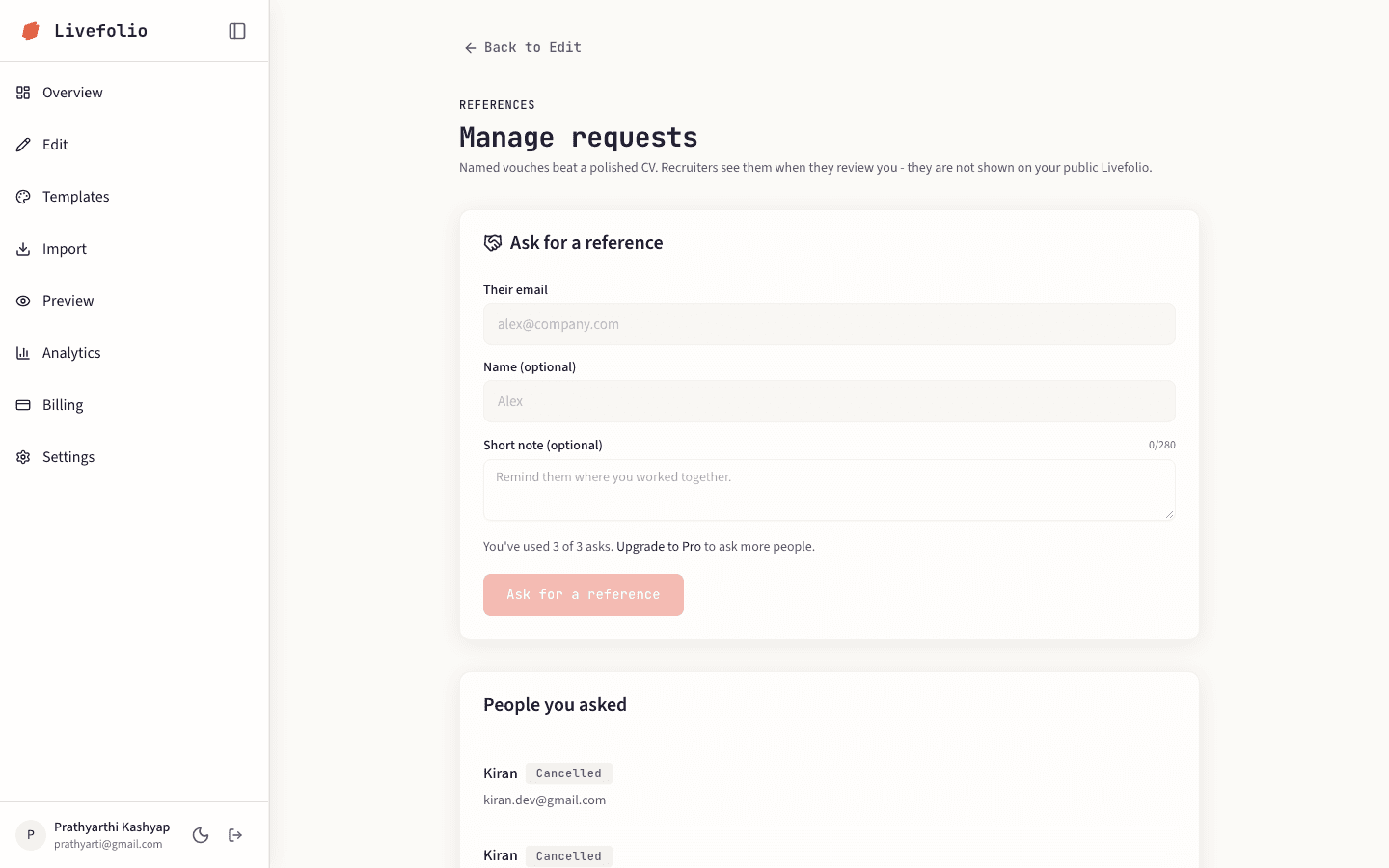
In Edit, choose References, then click Manage requests to open the references page.
- 2
Fill in the request
Enter Their email, an optional name, and choose How do you know them? (for example Manager, Peer or Collaborator). Add an optional short note to remind them where you worked together.
- 3
Send it
Click Ask for a reference. They get an email, and you can also copy the link and send it yourself.
- 4
Track the status
Under People you asked, each request shows as Waiting, Vouched or Cancelled. You can cancel a pending request.
Limits
Free accounts can ask 3 people. Pro can ask 15.
Tip
Completed references are visible to recruiters and in your editor. They are not shown on your public portfolio.