
How to edit your basic info
Name, headline, summary, photo and contact details.
Open in Livefolio- 1
Open Edit
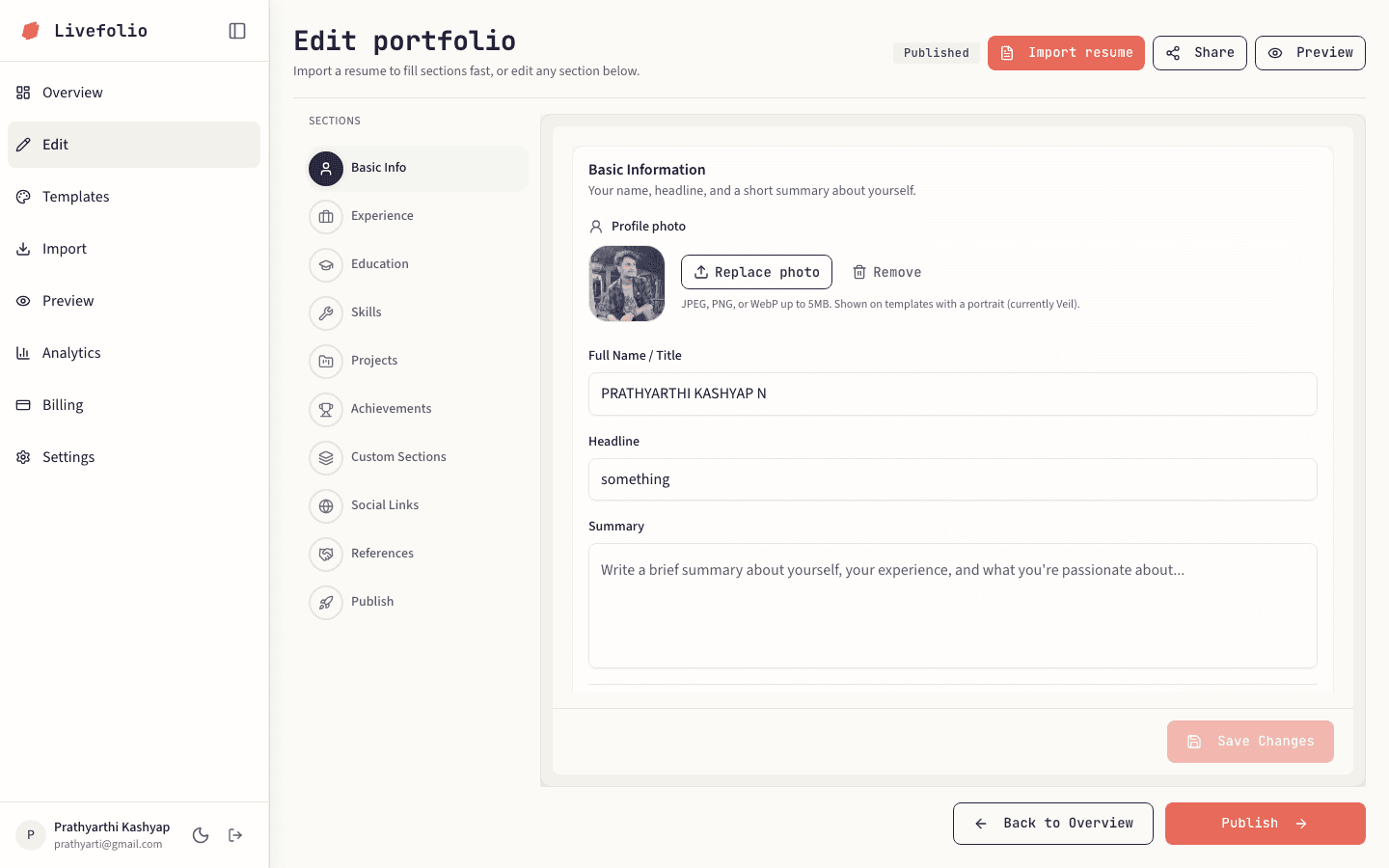
Click Edit in the sidebar. The section list on the left starts at Basic Info.
- 2
Fill in your details
Add your name, headline, a short summary and your contact details such as email, phone and location.
- 3
Add a photo
Upload a profile image. You can crop and zoom it before saving.
- 4
Save your changes
An Unsaved badge appears while you have changes. Save before moving on to the next section.
Tip
Use a clear, professional headshot and a one-line headline that says what you do.