
How to view your portfolio analytics
Views, link clicks and trends.
Open in Livefolio- 1
Open Analytics
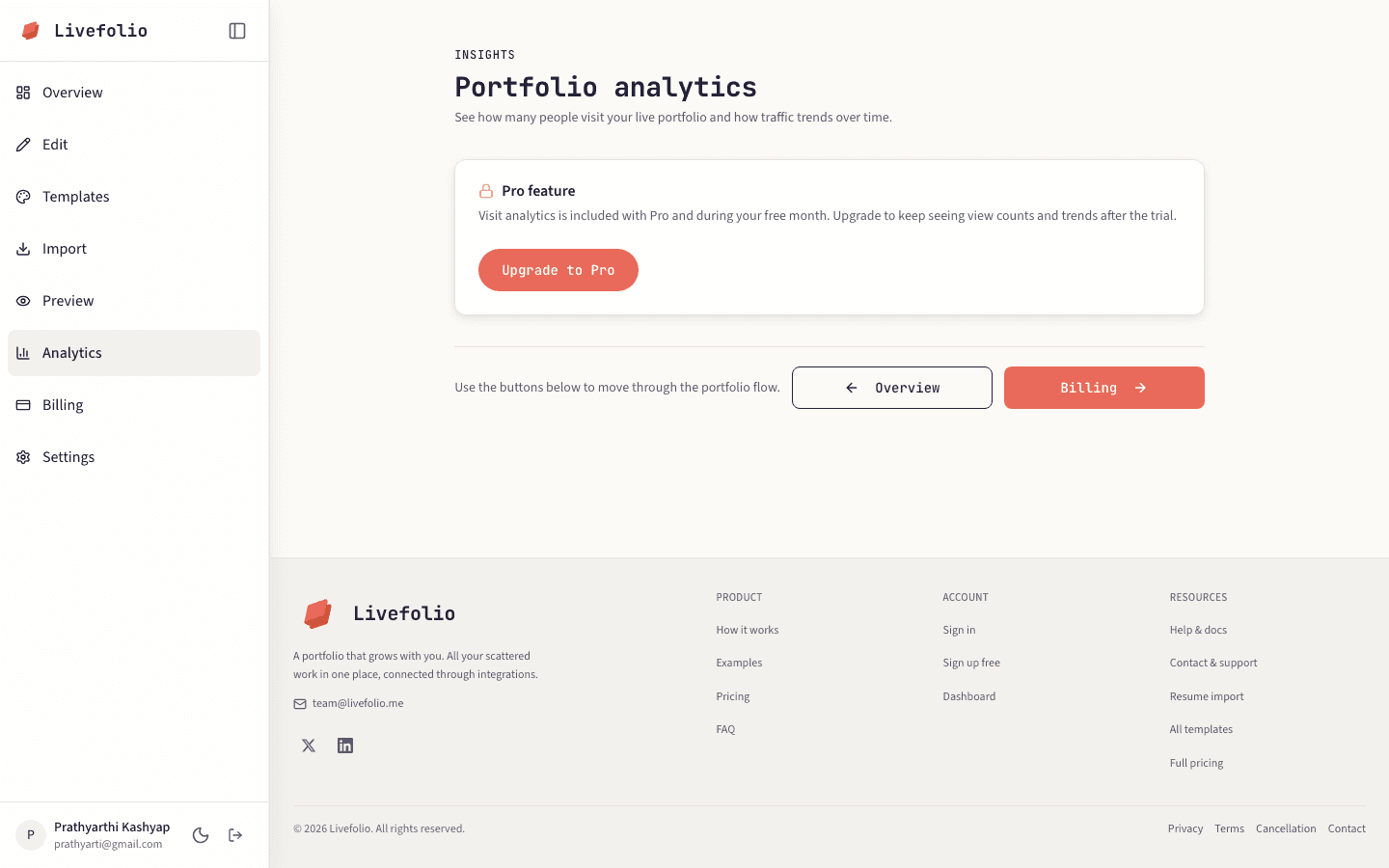
Click Analytics in the sidebar, or choose Analytics from the ⋯ menu in Preview.
- 2
Read the summary
The cards at the top show Total views, Today, Last 30 days, Peak hour, Busiest day and Best streak.
- 3
Explore the charts
Switch the date range to see views over time and Link clicks for each of your links.
Note
Analytics is available during the free trial and on Pro.