How to create a Livefolio account
Sign up with Google or GitHub in a few seconds.
Open in LivefolioLivefolio uses single sign-on, so there is no password to remember.
- 1
Open the sign up page
Go to livefolio.me/sign-up, or click Get started in the top navigation of the home page.
- 2
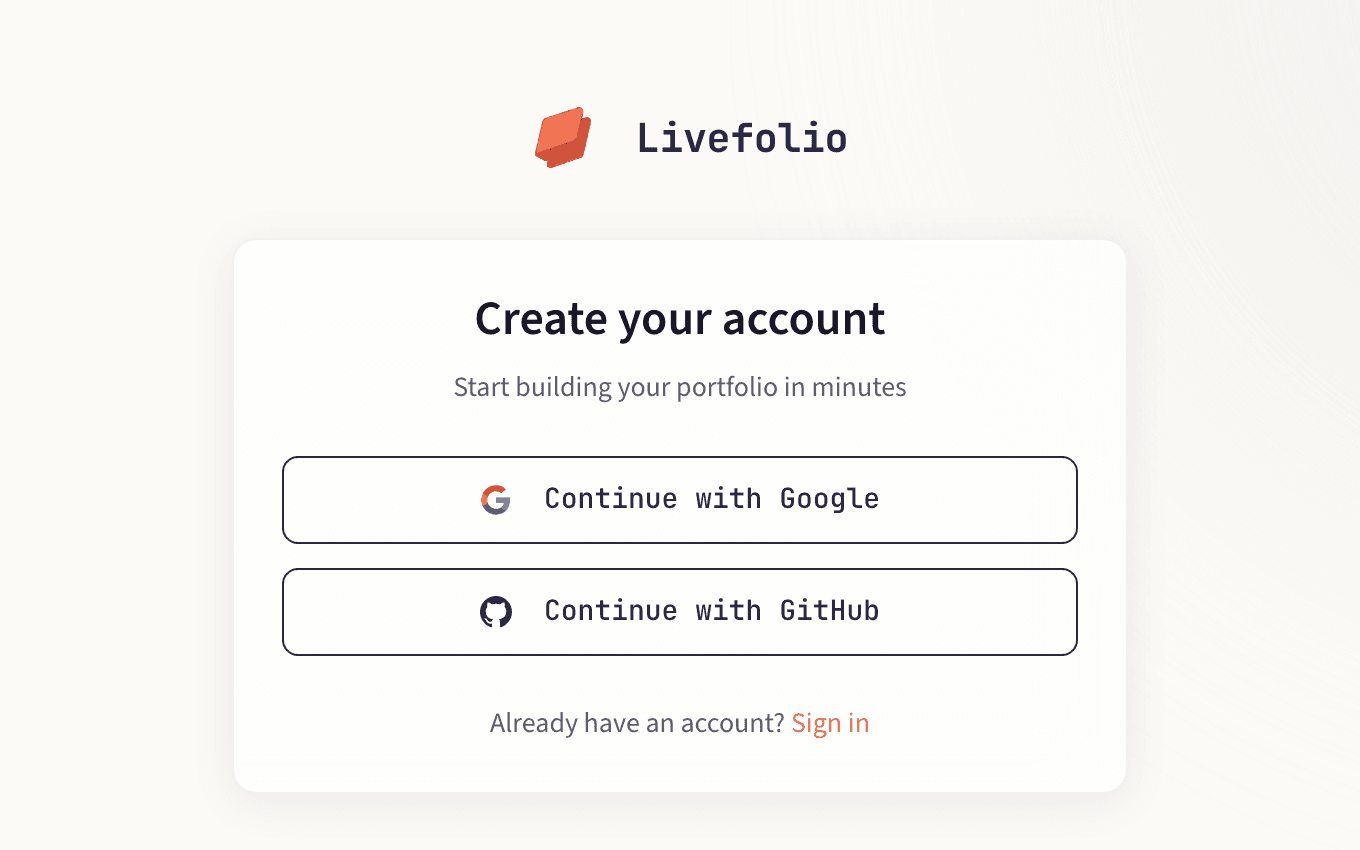
Choose Google or GitHub
Click Continue with Google or Continue with GitHub and approve access on the provider's screen.
- 3
Land on your dashboard
Once you are signed in, you are taken to your dashboard. From here you can create your portfolio.
Signing in later
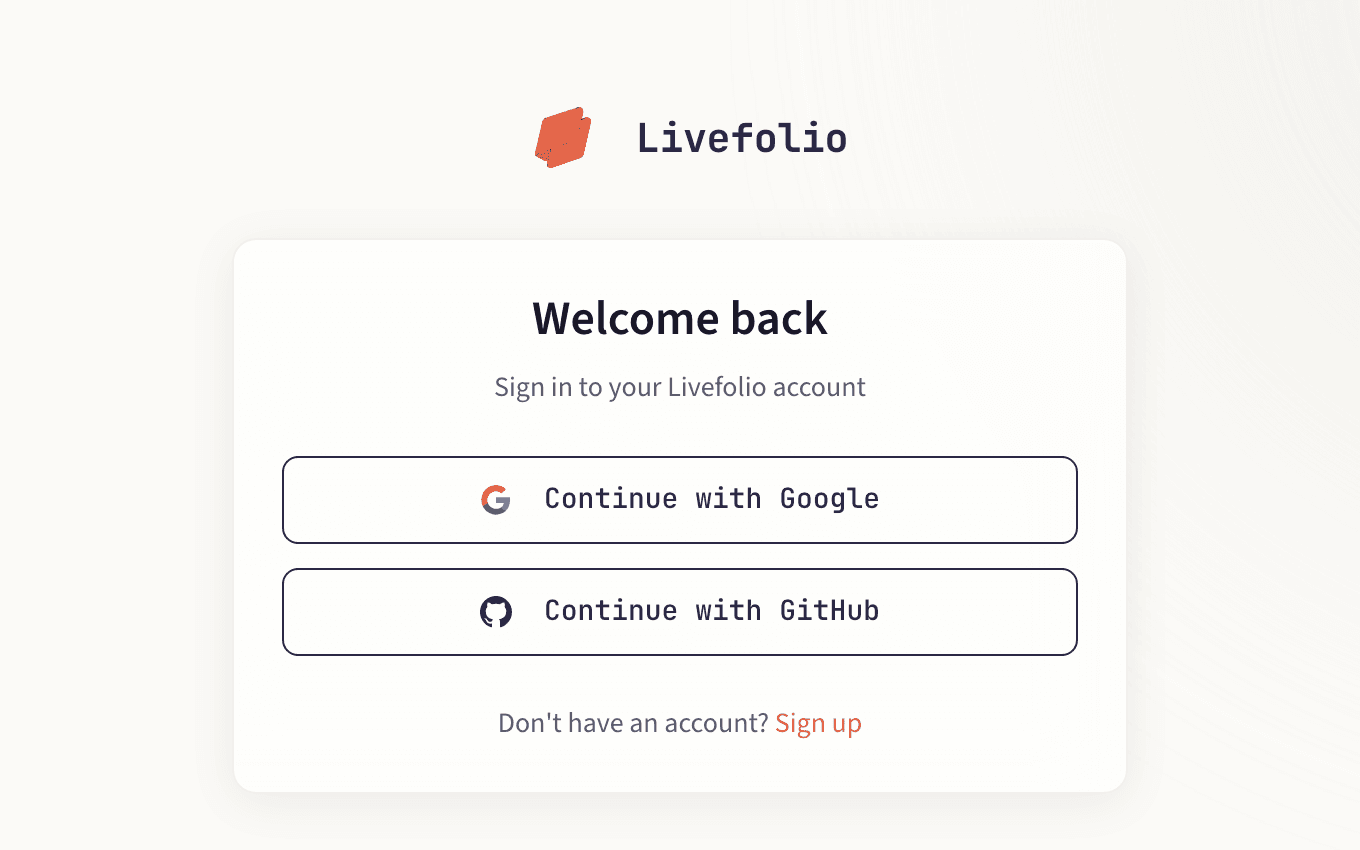
Use Sign in with the same provider you signed up with. If both your Google and GitHub accounts use the same email address, either one opens the same Livefolio account.