
How to change your subdomain or unpublish
Update your link or hide your portfolio.
Open in Livefolio- 1
Open the Publish step
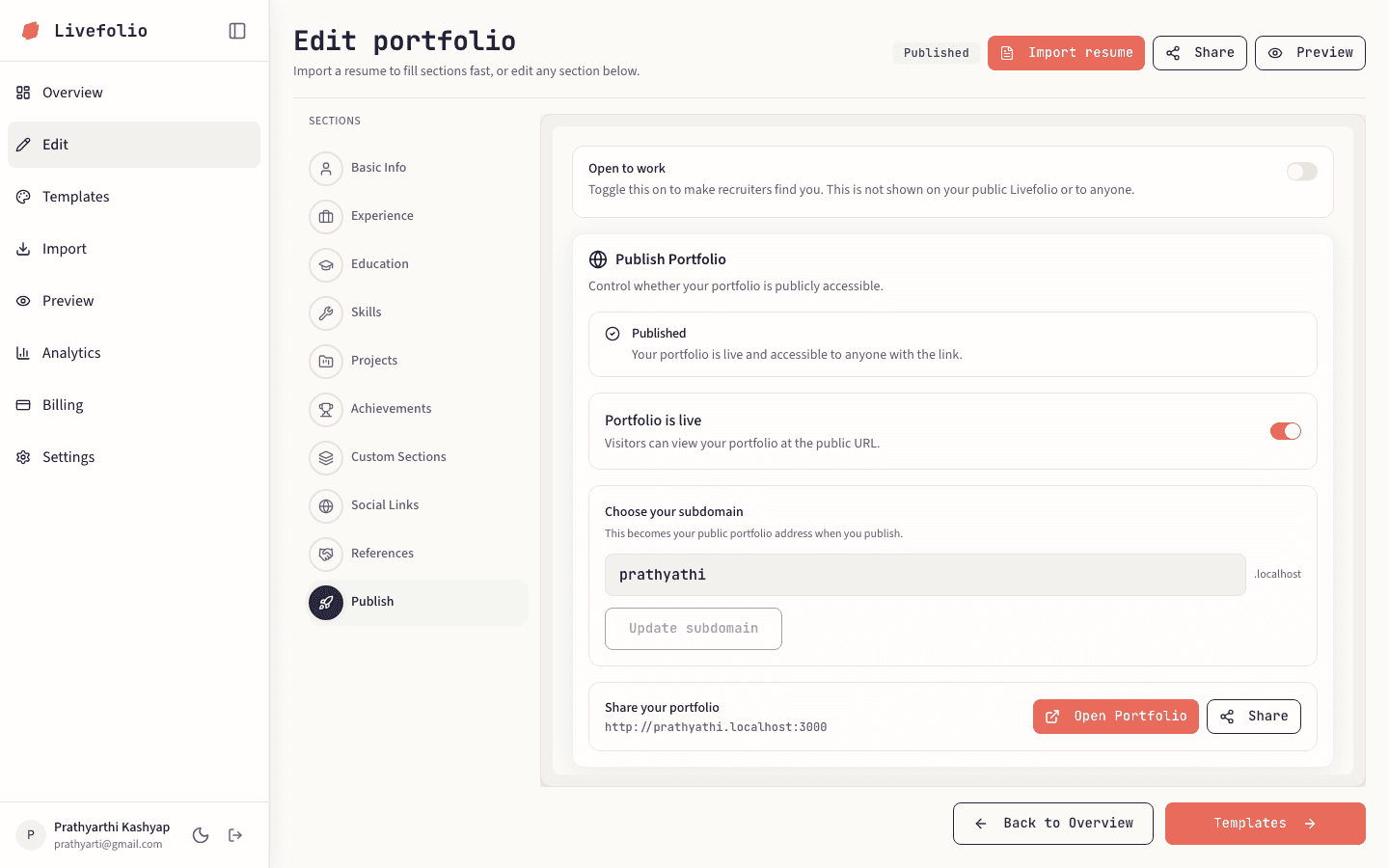
In Edit, choose Publish at the bottom of the section list.
- 2
Change the subdomain
Edit Choose your subdomain and click Update subdomain.
- 3
Publish or hide
Use the publish switch to go live or hide your portfolio. When hidden, visitors can no longer open your public URL.
Heads up
Changing your subdomain changes your public URL. Links you shared before will stop working.