
How to create your portfolio
Create your portfolio and fill it in from your resume.
Open in Livefolio- 1
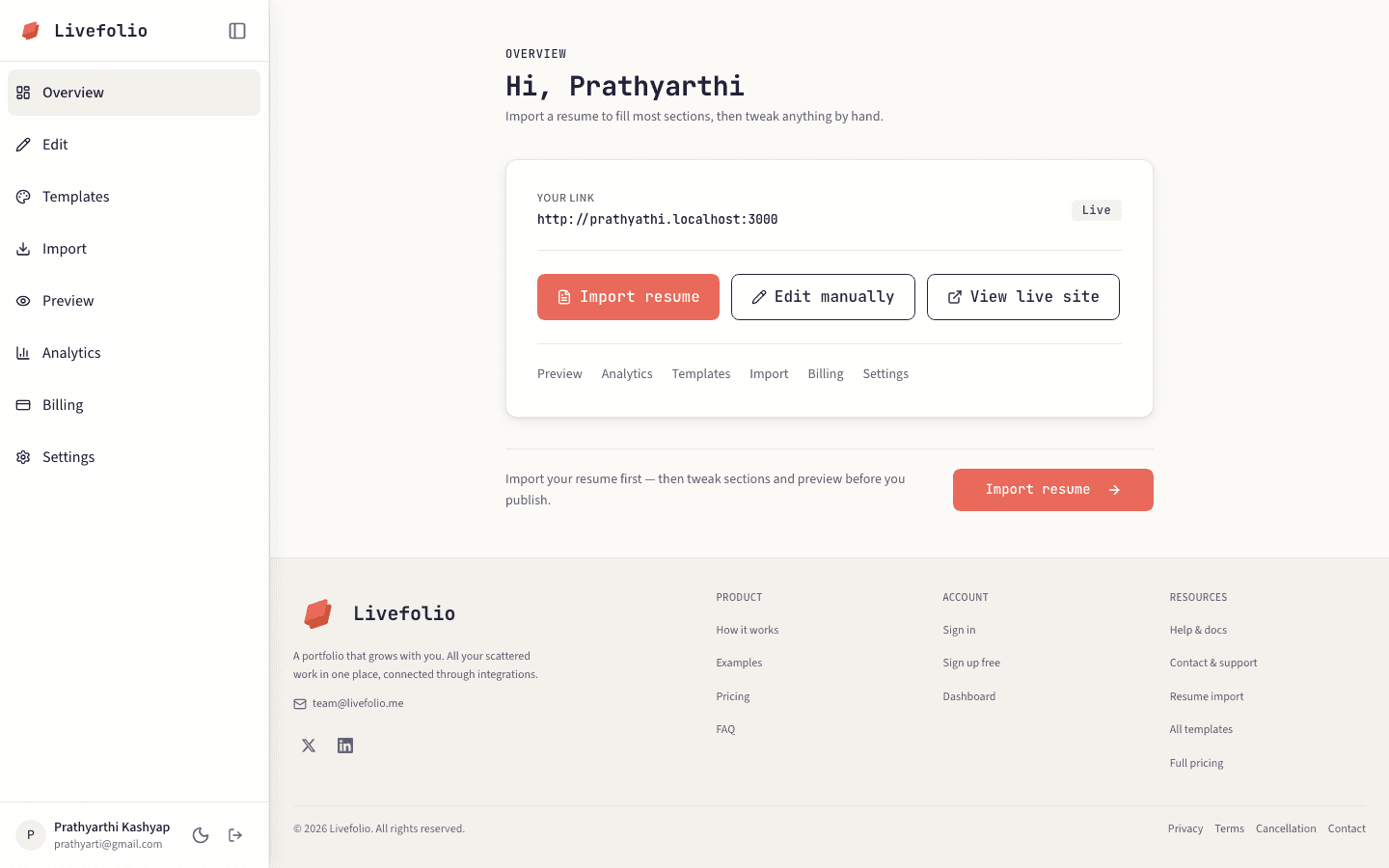
Open the dashboard
After signing in, go to Overview in the left sidebar.
- 2
Click Create portfolio
If you do not have a portfolio yet, click Create portfolio. Livefolio creates an empty, unpublished portfolio for you.
Create portfolio button on the dashboard
Screenshot coming soon
- 3
Fill it in
The fastest way is to import your resume. You can also add everything by hand from Edit.
- 4
Note
Your portfolio stays private until you publish it, so you can take your time.