
How to configure the portfolio navbar
Choose which sections appear in your portfolio's navigation.
Open in Livefolio- 1
Open Settings
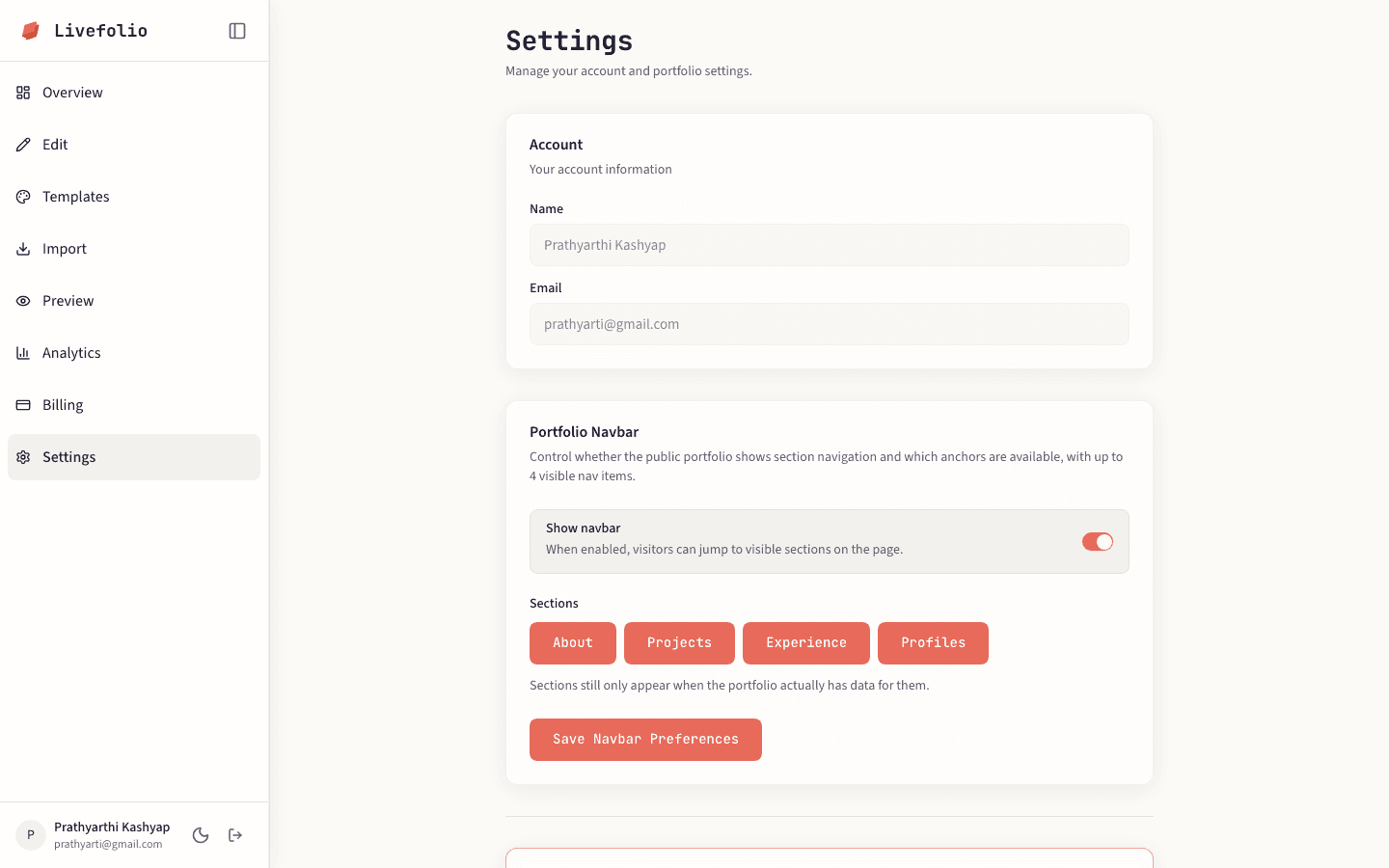
Click Settings in the sidebar and find Portfolio Navbar.
- 2
Turn the navbar on or off
Use Show navbar to let visitors jump to sections on your page.
- 3
Pick the sections
Toggle the sections you want in the navbar, such as About, Work, Experience and Profiles. Up to 4 items are shown.
- 4
Save
Click Save Navbar Preferences.
Note
A section only appears in the navbar when your portfolio actually has content for it.