
How to add skills and projects
Show your stack and your best work.
Open in Livefolio- 1
Add skills
In Edit, open Skills and add the tools, languages and frameworks you use.
- 2
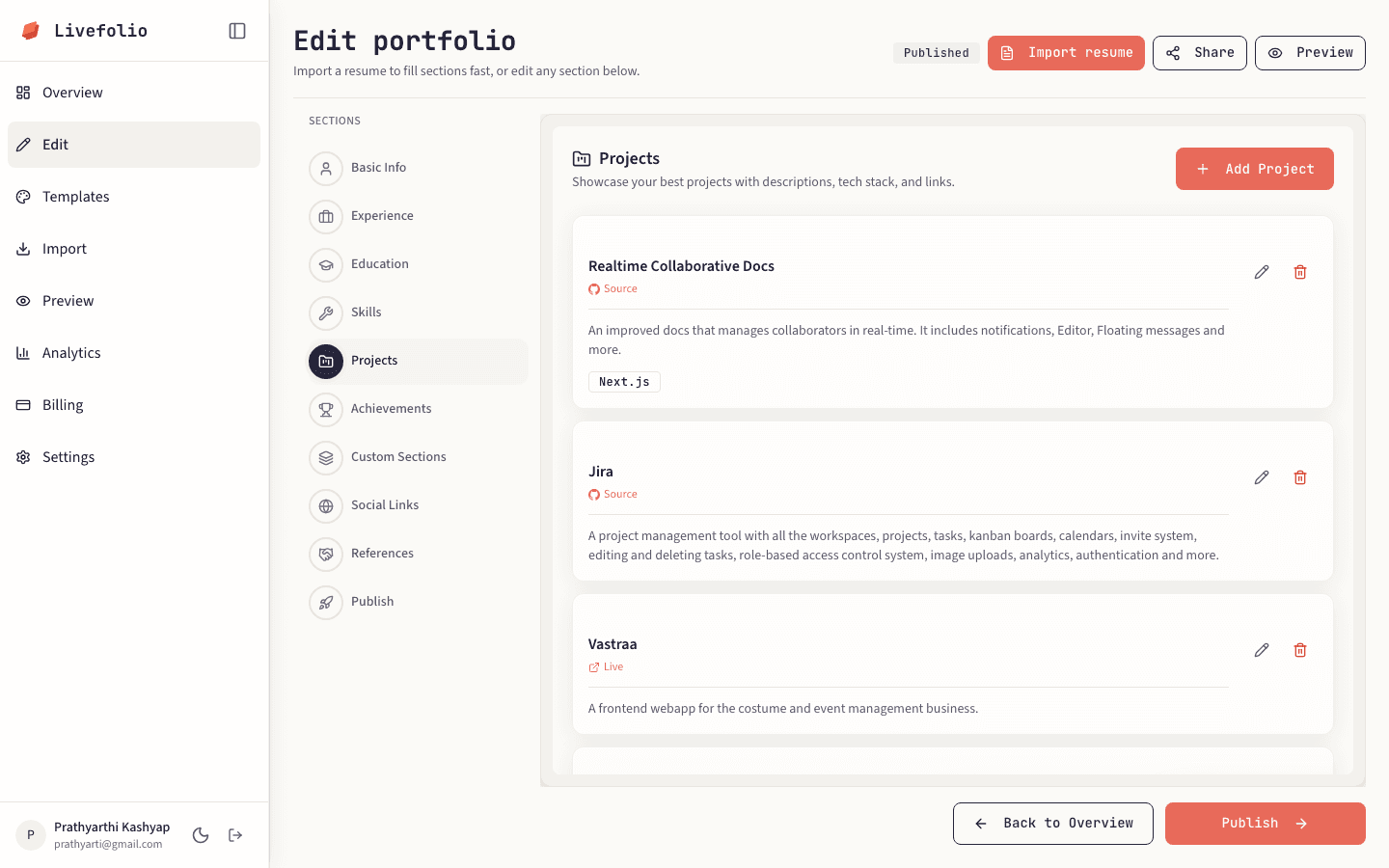
Add a project
Open Projects and add featured work with a name, description, links and tech stack.
- 3
Add a thumbnail
Upload a preview image for a project so it stands out on your portfolio.
- 4
Turn on live preview (Pro)
On Pro you can enable Live preview on portfolio for a project, which shows a live preview of its website instead of a static image.
Note
Free accounts can add up to 3 project thumbnails. Pro raises this to 12 and adds up to 50 live preview slots.