
How to share your portfolio
Copy your public link.
Open in Livefolio- 1
Open the share dialog
Click Share on the Edit page, or open the ⋯ menu in the Preview toolbar and choose Share.
- 2
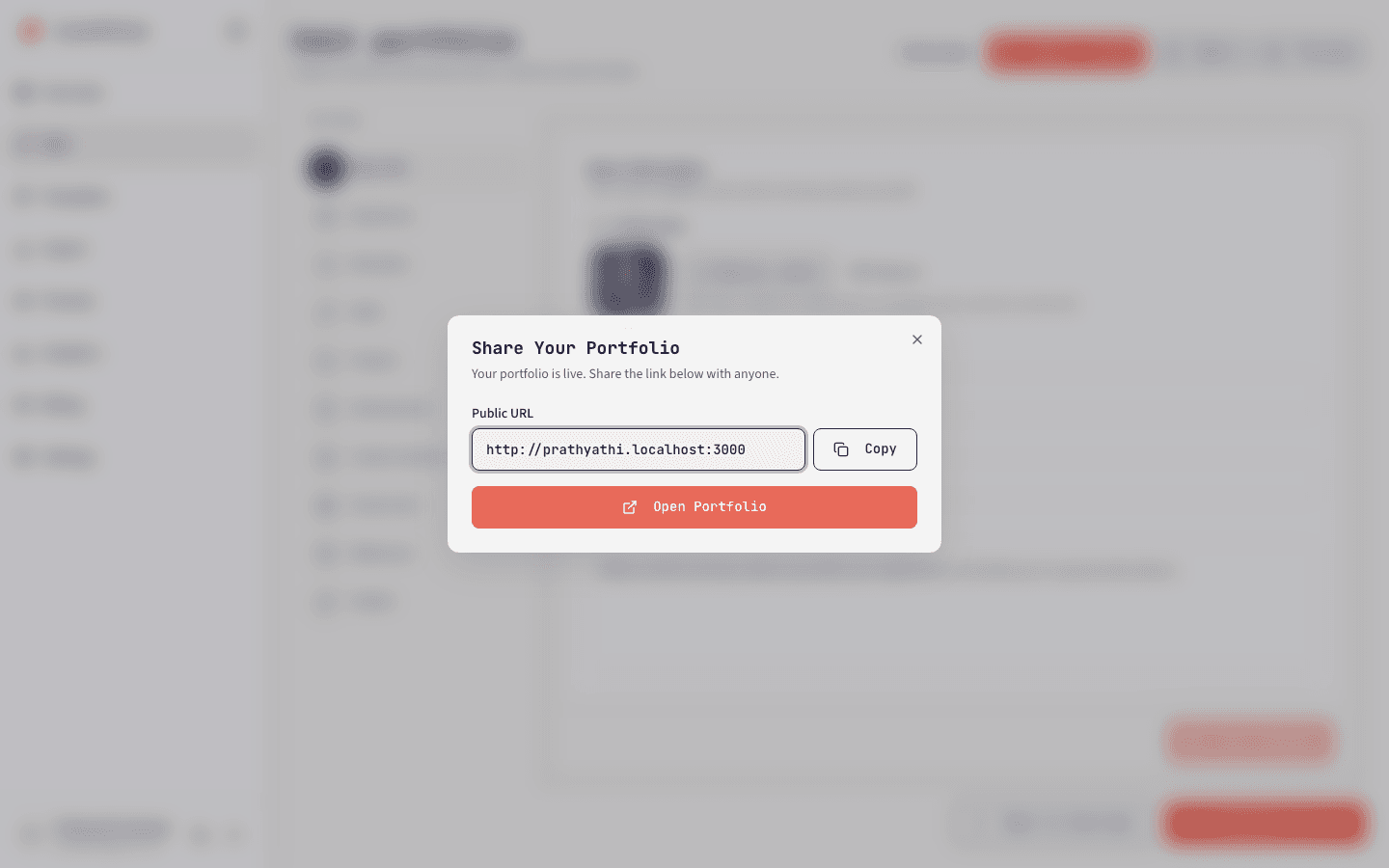
Copy the link
Click Copy next to your public URL, or Open Portfolio to visit it.
Note
If your portfolio is not published yet, the dialog reminds you to publish first. The link will not work for visitors until you do.