
How to import your resume
Auto-fill your portfolio from a PDF resume.
Open in Livefolio- 1
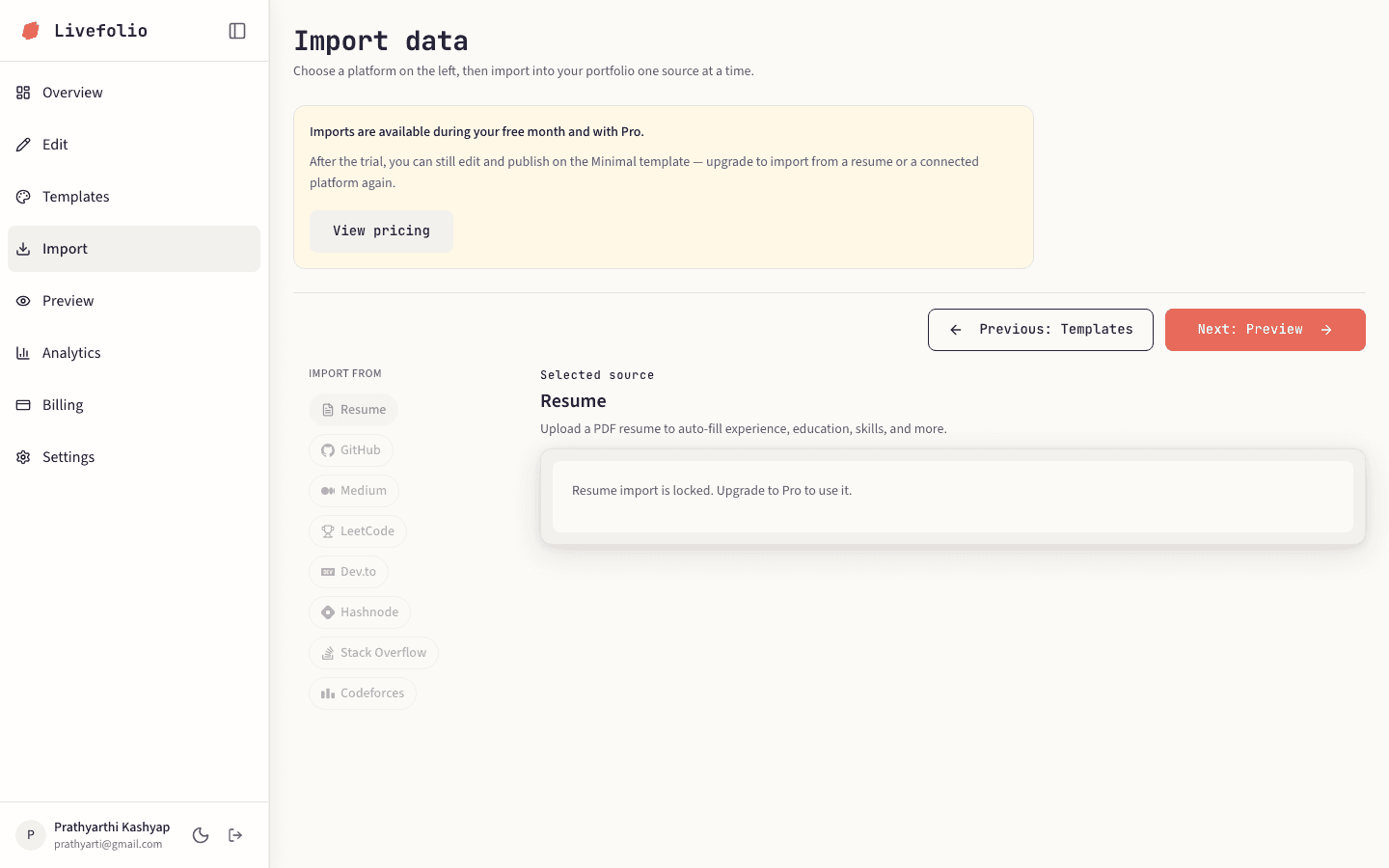
Open Import
Click Import in the dashboard sidebar.
- 2
Select Resume
Under Import from, choose Resume. On smaller screens the sources appear as a row of chips at the top.
- 3
Upload your PDF
Drop your resume onto the upload area or click to browse. Livefolio reads it and extracts your experience, education, skills, projects and more.
- 4
Review the result
Open Edit and check each section. Fix anything that was not picked up correctly.
Supported files
Only PDF files up to 10 MB are supported. Scanned images inside a PDF may not be read correctly.
Note
Imports are available on the free trial and on Pro. See Plans, trial and Pro.